Browser extension · free · open source
The guardian for your AI prompts.
Customer data doesn’t belong in AI chats.
AImori spots IBANs, passwords and customer data right in your browser and warns you before you send anything to an AI.
For Chrome and Edge · checks locally in the browser · no account
Free for everyone, straight from the Chrome Web Store – also for Edge.
For companies: deploy via Intune or GPO · Check the permissions yourself · Open source on GitHub
- Local onlyNo network access →
- Open sourceSource code on GitHub →
- No accountInstall and done
- ChatGPT & co.Claude, Gemini, Copilot
- 242 data typesin 60 packs
See it in action
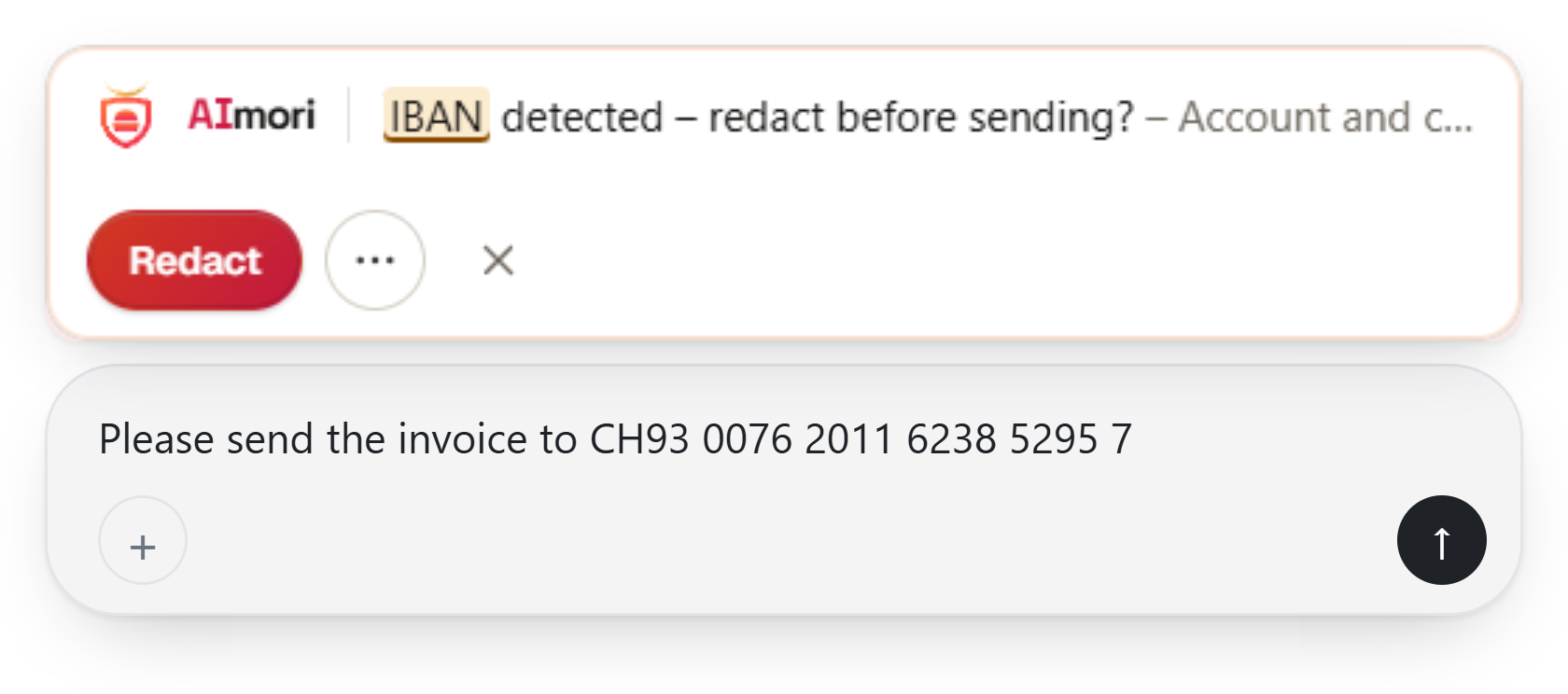
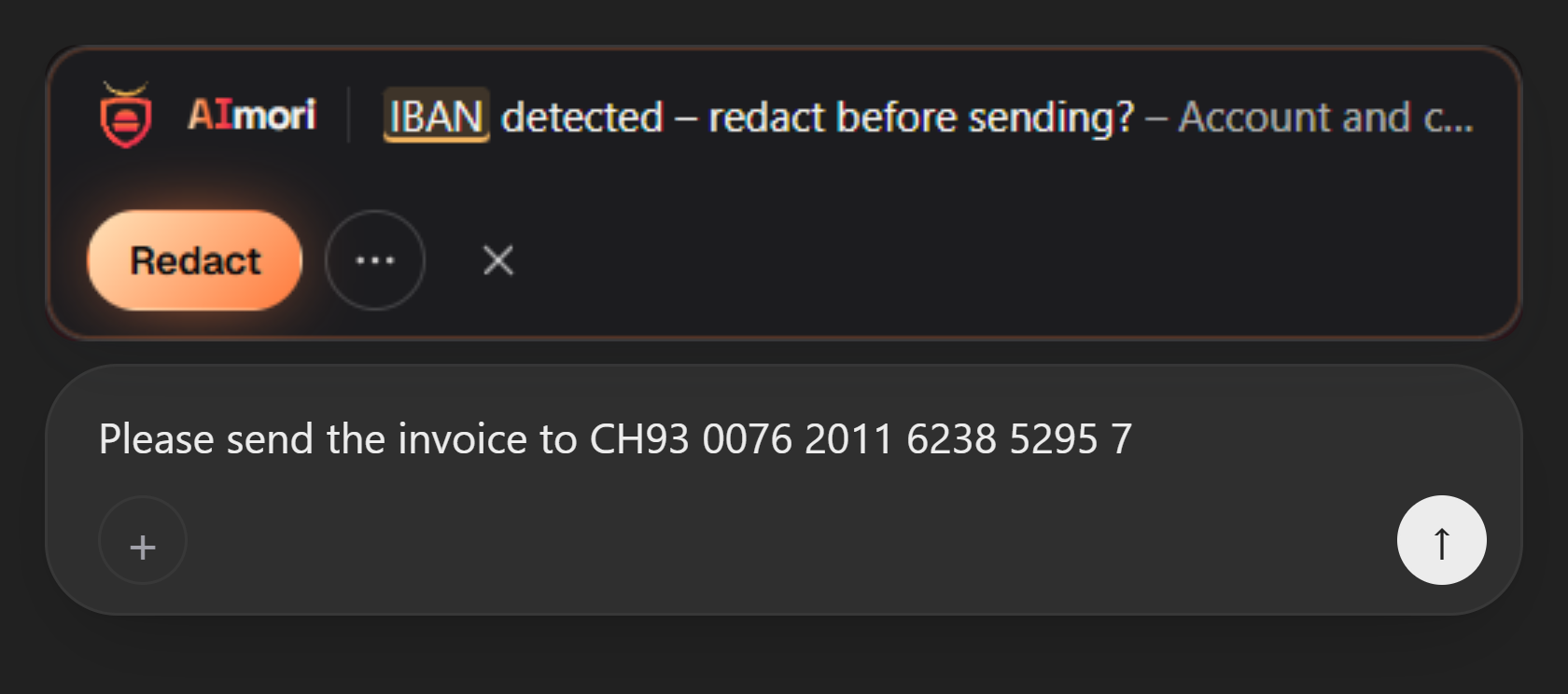
Just before sending, a slim bar appears above the input field. One click redacts the value, the rest stays.
Replica of the interfaces, drawn by AImori itself, test values only. Brand names belong to their owners; no affiliation with the providers.
Try it yourself
Type or paste a test value. The bar reacts like the extension does, right here on the page.
Insert a test value:
Only enter sample data. The check runs only in your browser; nothing is sent or stored.
Check a whole text: free test “Is this text safe to paste into ChatGPT?”
How can I help?
What AImori detects
242data types in 60 packs. With check digits wherever they exist, so false alarms stay rare.
-
IBAN
Before
Pay to CH93 0076 2011 6238 5295 7After
Pay to [Financial data]Swiss banking sample IBAN
-
Swiss AHV number
Before
Insured under 756.1234.5678.97After
Insured under [Social security]ZAS sample number
-
Credit card
Before
Card 4242 4242 4242 4242After
Card [Financial data]Stripe test card
-
API key
Before
OPENAI_API_KEY=sk-proj-••••••••After
OPENAI_API_KEY=[Credentials]shown shortened
-
Password
Before
Password=Example!2026After
Password=[Credentials]made-up sample value
-
Customer email
Before
Reply to customer@example.comAfter
Reply to [Contact data]RFC 2606 sample domain
-
Phone number
Before
Call back on +44 20 7946 0958After
Call back on [Contact data]Ofcom test number
And over 230 more
ID cards and passports, tax and company numbers, health insurance cards, private keys and more.
See all 242 data types
Country packs, matched automatically
- CH
- DE
- AT
- FR
- IT
- NL
- BE
- EU
- US
Over 50 countries and regions. AImori chooses the active packs from time zone and language region; companies set them centrally. See all 242 data types


Protected in three steps
Your browser:
AImoriChrome Web Store · for Chrome and Edge
Add to Chrome1Add
Click “Add to Chrome” in the Chrome Web Store – in Edge, first “Allow extensions from other stores”. No account, no sign-up.
2Quick check
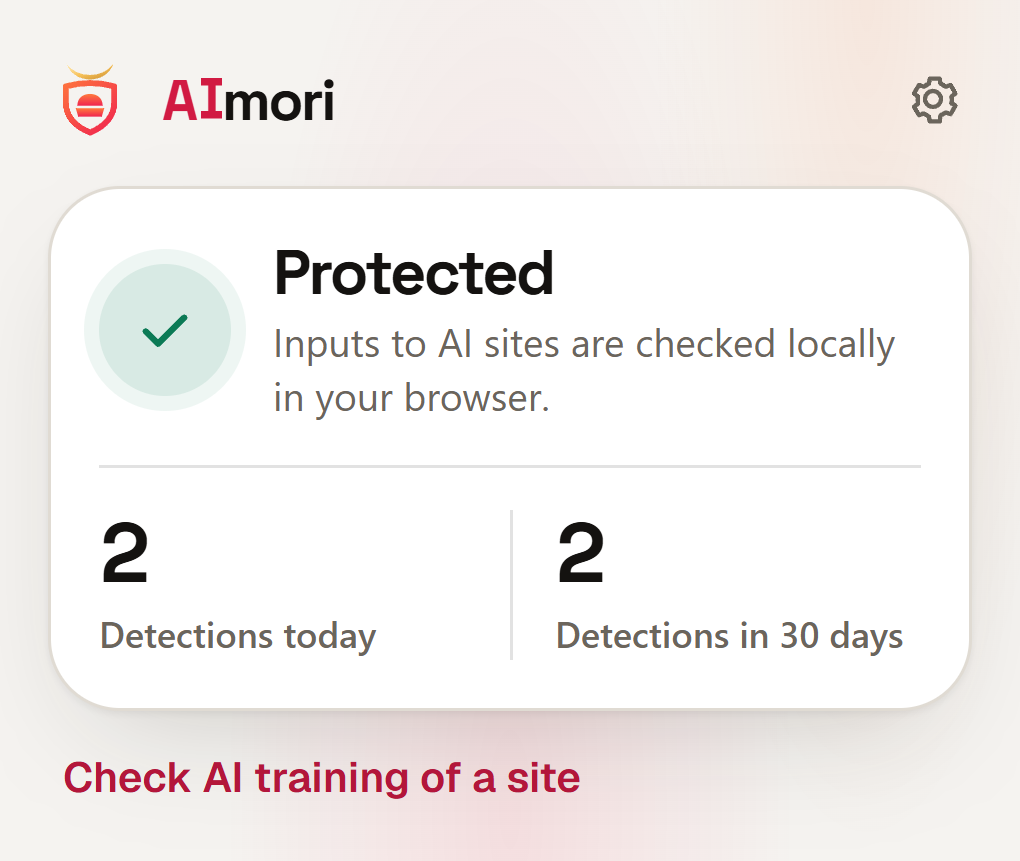
The icon shows: protection active. Nothing else to set up.
3Keep working
Write as usual. AImori only speaks up when something stands out.
For Chrome and Edge · checks locally in the browser · no account
For companies: deploy via Intune or GPODetailed guide with every step
Copilot in Edge: Edge allows no extensions on copilot.microsoft.com – protected in Chrome.


Your input stays with you.
The check runs entirely in your browser. AImori has no server that anything could go to.
To be honest: AImori helps against mistakes, but it is no guarantee. It does not replace clear rules or training.
No network access
The extension sends nothing to a server – there is none.
No account
Install and go, no sign-up.
No telemetry
Locally it only counts how often something was detected. No content.
Open source
The entire source code is public (GNU AGPL v3). Every line can be checked.


For companies and IT partners
Deploy centrally to every workstation, without servers or user accounts. Free in production too.
- Roll out via Intune or Group Policy, ADMX templates for Edge and Chrome
- Set rules per data type centrally, locked for employees
- White label for IT partners: your own name, logo and colours
- No content goes to IT: employees see who manages the extension
{
  "rules": {
    "iban": "redact",
    "ch_ahv": "block"
  },
  "allowUserOverride": false,
  "allowedSites": ["chatgpt", "copilot"],
  "branding": { "companyName": "Example AG" }
}
Frequently asked questions
What does AImori cost?
Nothing for users. The product is funded by sponsors, associations and partners. It is open source.
Does AImori read along with my input?
The extension checks your input only locally in your browser. It has no network access and stores no text.
Which AI services and browsers?
ChatGPT, Claude, Gemini, Microsoft Copilot and Microsoft 365 Copilot in the browser, in Microsoft Edge and Google Chrome from version 110. Copilot in Edge: Edge allows no extensions on copilot.microsoft.com – protected in Chrome. The AI providers’ apps are not covered.
Does AImori protect me completely?
No. It is an aid against mistakes. PDF and Word files, for example, are not checked; freely reworded content without a fixed pattern can slip through.
Before your next prompt goes out.
Install AImori for free. No account, no server, right in your browser.
- Checks locally in the browser
- Data stays in the browser
- No account
- Free, for businesses too